



 Sophie Blake
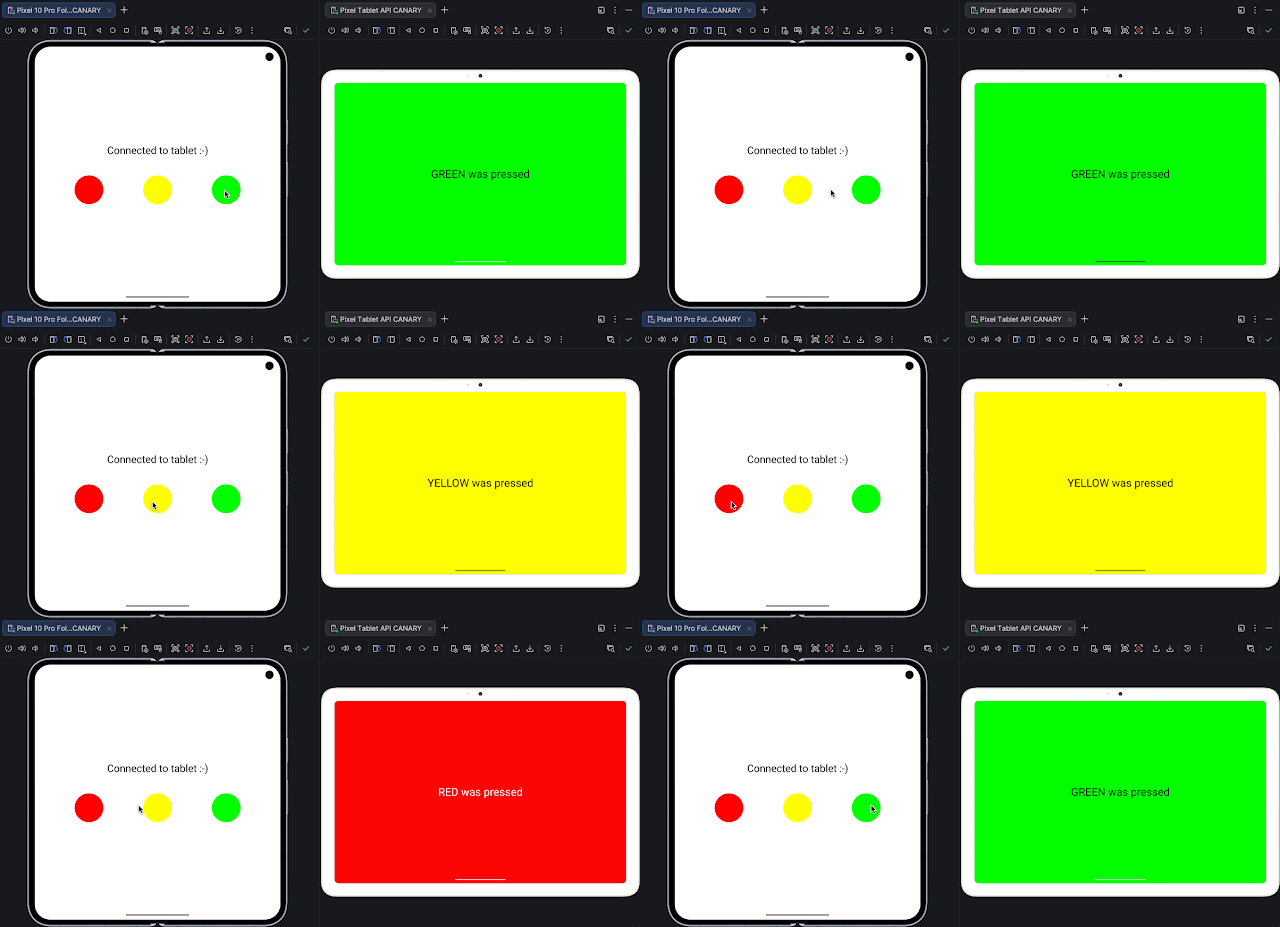
Google has introduced a new networking capability for the Android Emulator, aimed at simplifying how developers test interactions across multiple virtual devices.
The update, available in the latest Android Emulator release (version 36.5), removes the need for manual configuration previously required to connect Android Virtual Devices (AVDs). Historically, developers had to rely on port forwarding and custom scripts to enable communication between emulator instances, creating operational complexity in multi-device testing environments.
With the new release, emulator instances running on the same host machine are automatically connected through a shared virtual network. This zero-configuration setup allows peer-to-peer communication without additional setup, effectively placing all active virtual devices on the same network layer.
The updated networking stack also enables native support for protocols such as Wi-Fi Direct and Network Service Discovery (NSD), which are commonly used in real-world device interactions. According to the update, this change addresses earlier limitations where each emulator operated in isolation, often leading to unstable connections and data transfer issues.
In addition to simplifying connectivity, the new system is designed to improve stability and consistency across operating systems, including Windows, macOS, and Linux. This standardization is expected to reduce variability in development and testing workflows.
The enhancement supports a range of use cases tied to multi-device ecosystems. Developers can now more easily test scenarios such as local multiplayer gaming, file sharing between devices, and synchronized experiences across different Android form factors. It also extends to emerging categories, including Android XR and wearable integrations, where reliable device-to-device communication is critical.
For teams running automated testing pipelines, the update enables more robust multi-device simulations without relying on external networking scripts, which have historically introduced points of failure in continuous integration environments.
The new networking functionality is enabled by default for users who update to the latest emulator version through Android Studio’s SDK Manager, allowing developers to initiate multi-device testing workflows without additional configuration.



Comments
Loading…