



 Sophie Blake
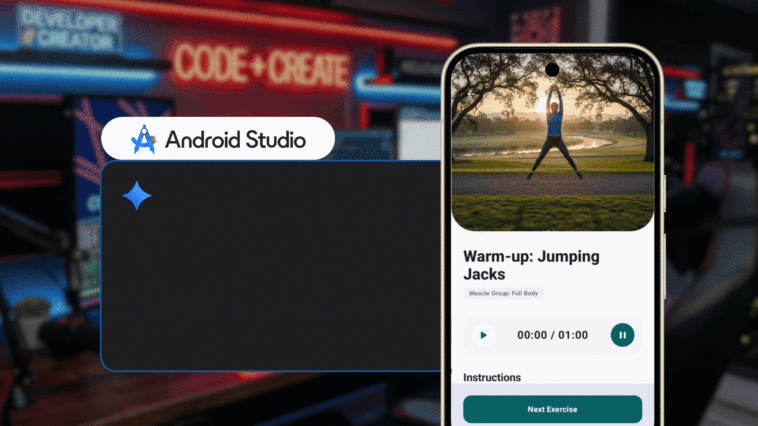
Google has unveiled a new set of development tools aimed at accelerating Android app creation, with a focus on integrating artificial intelligence-driven workflows into the software development lifecycle.
At the center of the update is a revamped Android command-line interface (CLI), designed to serve as a lightweight, programmatic entry point for building and managing applications outside traditional integrated development environments. The company said the tool enables faster setup, project creation and deployment processes, particularly when used alongside AI agents.
According to internal testing, the updated CLI reduced resource usage tied to large language model operations and enabled certain development tasks to be completed up to three times faster compared to conventional workflows. The tool introduces commands for managing software development kits, generating new projects from standardized templates and deploying applications to virtual or physical devices.
The CLI is positioned as part of a broader shift toward “agentic” development, where AI systems assist with coding, configuration and execution tasks. It is designed to work across environments and can later integrate with Android Studio for more advanced editing, debugging and performance optimization.
Alongside the CLI, Google introduced a new repository of “Android skills,” which provides structured, task-specific instructions intended to guide AI models through common development workflows. These modular instruction sets are designed to improve accuracy and consistency when automating tasks such as navigation setup, interface updates and code migrations.
The company also launched an Android Knowledge Base, a continuously updated data source that allows AI systems to retrieve current documentation and best practices. The feature is intended to address limitations in model training data by supplying up-to-date technical guidance from official Android and related developer resources.



Comments
Loading…